 LECPServer
Mitsubishi
MC Binary · MC UDP Binary
Configuration guideFactory automation PLC middleware built on the JLean framework. Configure device nodes quickly and connect applications through HTTP WebAPI.
Communication schematic · Not live data
MC Binary · MC UDP Binary
Configuration guide
S7
Configuration guide
FINS
Configuration guide
MC
Configuration guide
MC
Configuration guide
TCP / UDP
Configuration guideCheck the manual and test against your device model, parameters and protocol requirements.
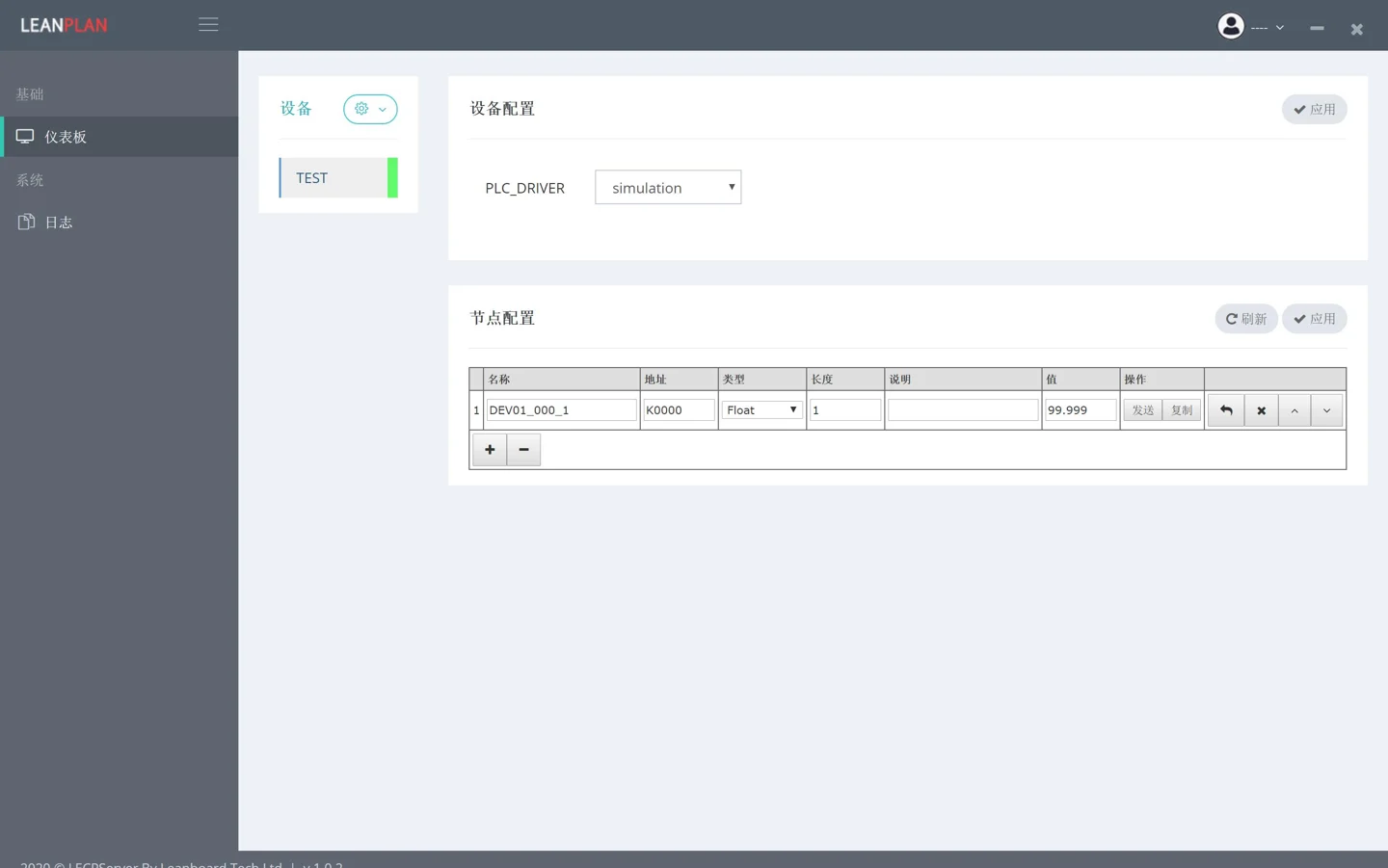
Cropped legacy interface from the product manual. Your downloaded version may differ.
LECPServer uses a minimal interface without complicated configuration options, helping you get started and configure device nodes quickly.
Use the HTTP client you know. Connect through C#, Java, Go, Python, PHP, LabVIEW, C or browser JavaScript without integrating a dedicated client DLL.
Explore the APIAdapt the address and node to your installation. Response shown is illustrative.
curl -X POST 'http://127.0.0.1:8088' \
  -H 'Content-Type: application/json' \
  -d '{"action":"plc_read_node",
"node":"NODES.MODBUS.C0000"}'.NET Framework 4.6.1 and Visual C++ 2013. See the installation manual for environment requirements.
Use the configured server address for individual or batch node reads and writes.
Configure MQTT connections and node publishing according to the manual and your network setup.
Contact us with your questions, suggestions or ideas for working together.