 LECPServer
KEYENCE PLC
On this page
LECPServer includes Keyence PLC protocols:
- Keyence MC-3E Binary
- Keyence Nano Serial Over Tcp
How to configure
- Click
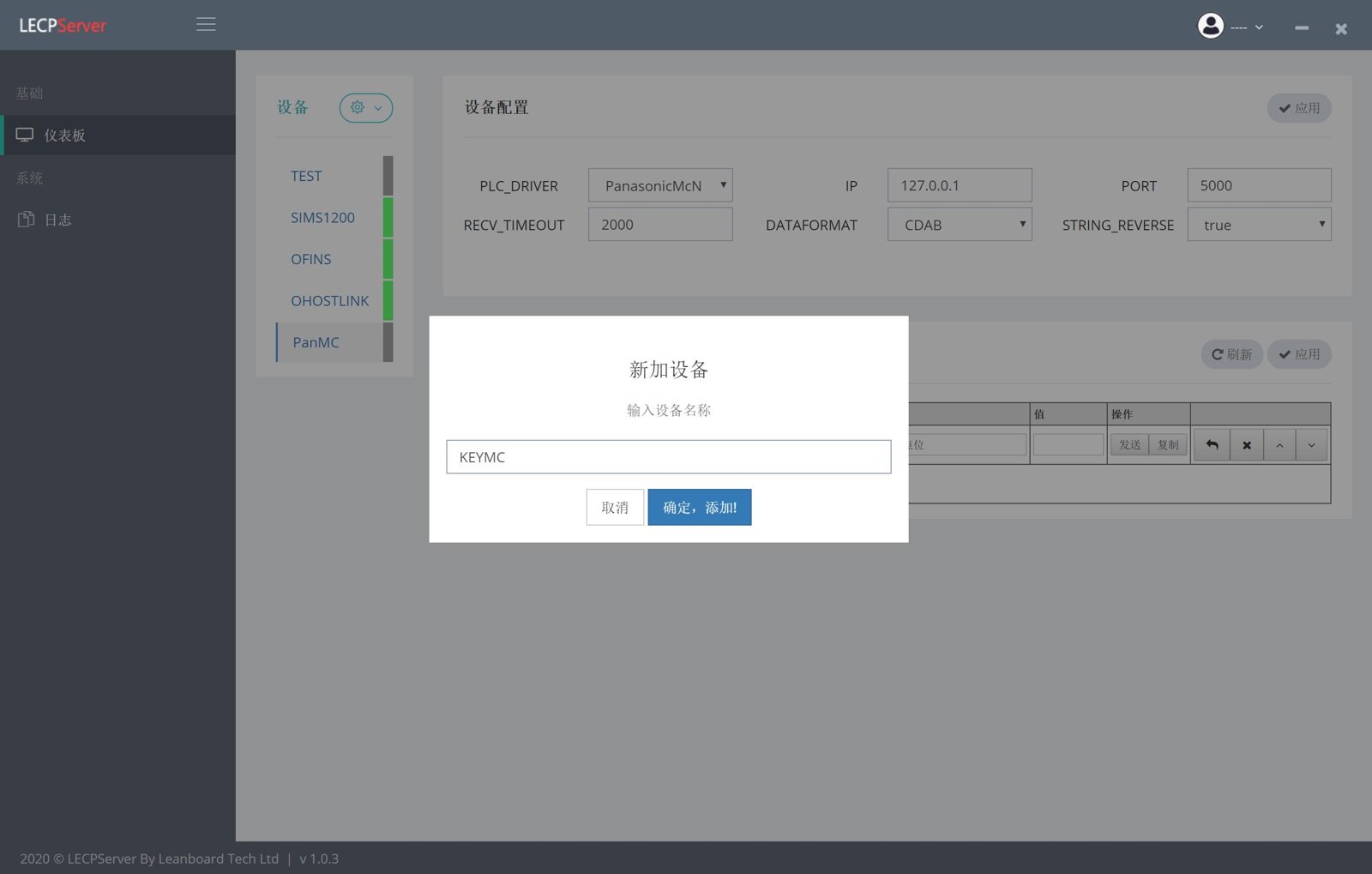
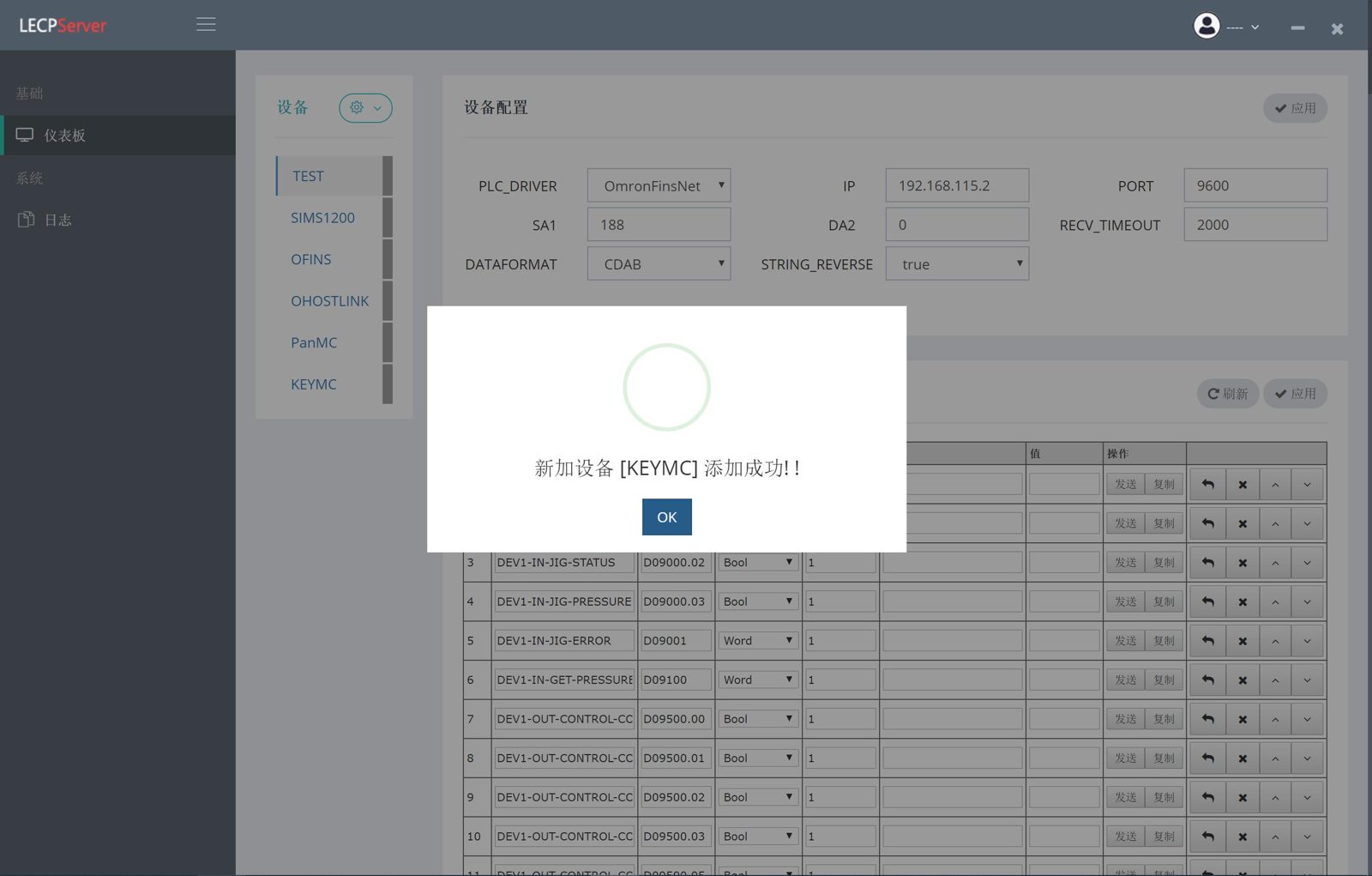
"Add Device"and fill in the device name, such as "KEYMC" - Select
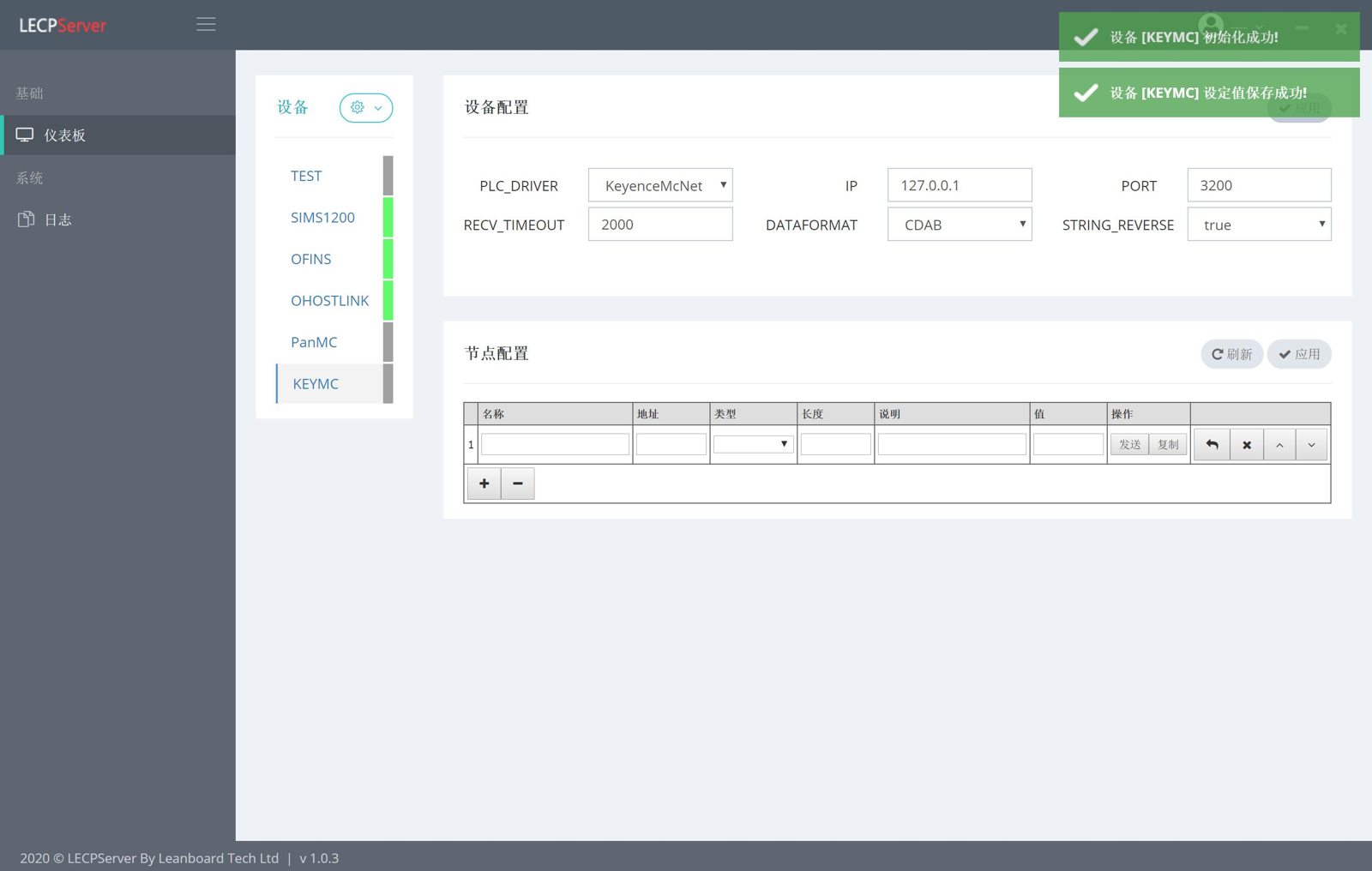
"KeyenceMcNet"in PLC_DEVICE in the"Device Configuration"form (using KEYENCE MC-3E protocol) - Click the
"Apply"button in the"Device Configuration"form, at this time the "KEYMC setting value is saved successfully" prompt, which proves that the node has been successfully added to the LECPServer - Click the
"+"button to add a plc node - Enter
node name - Select the
typeof the node - Node length, used to set the array
lengthof the node - Click the
"Apply"button, the node has taken effect, and you will see current value appear in the "Value" column of the node
Screenshot