 LECPServer





WebAPI Server
Connect client applications to devices through HTTP WebAPI, across platforms and programming languages.
Designed to be simple and efficient. Connect PLCs with PCs, servers and industrial applications in a few straightforward steps.
Deploy on Windows · Free for 2 PLCs · Licensing for more devices
Communication schematic · Not live data
Use the HTTP client you know to connect device data with your applications.
Connect client applications to devices through HTTP WebAPI, across platforms and programming languages.
Use Modbus alongside native protocols for Mitsubishi, Omron, Siemens, Keyence and Panasonic PLCs.
Use the built-in tools to adjust nodes, monitor values and debug WebAPI requests in one place.
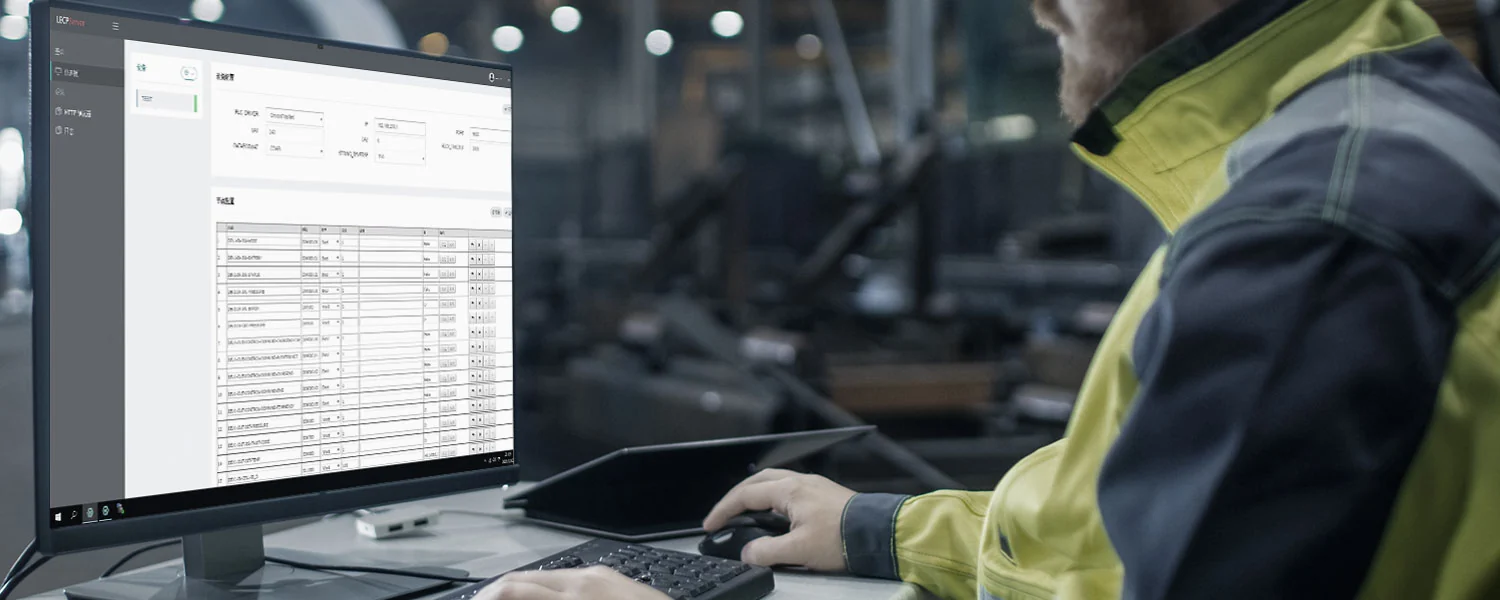
Use the HTTP client you know. Connect through C#, Java, Go, Python, PHP, LabVIEW, C or browser JavaScript without integrating a dedicated client DLL.
Explore the APIAdapt the address and node to your installation. Response shown is illustrative.
curl -X POST 'http://127.0.0.1:8088' \
  -H 'Content-Type: application/json' \
  -d '{"action":"plc_read_node",
       "node":"NODES.MODBUS.C0000"}'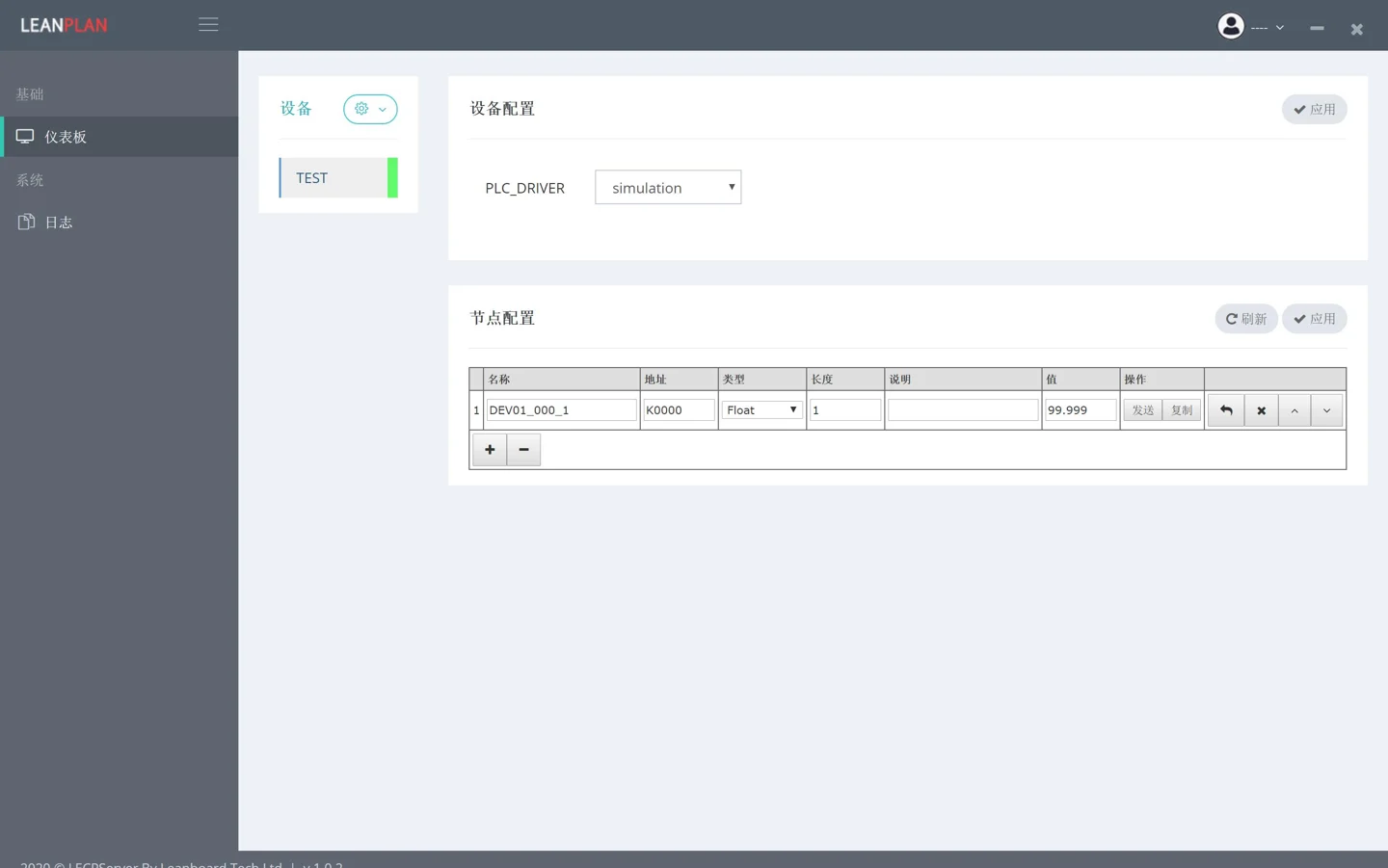
Cropped legacy interface from the product manual. Your downloaded version may differ.
LECPServer uses a minimal interface without complicated configuration options, helping you get started and configure device nodes quickly.
Check the system requirements, download LECPServer and follow the installation guide.
Use the simple configuration interface to choose protocols and set up devices and nodes.
Call WebAPI with your HTTP client, or configure MQTT node publishing.
Contact us with your questions, suggestions or ideas for working together.