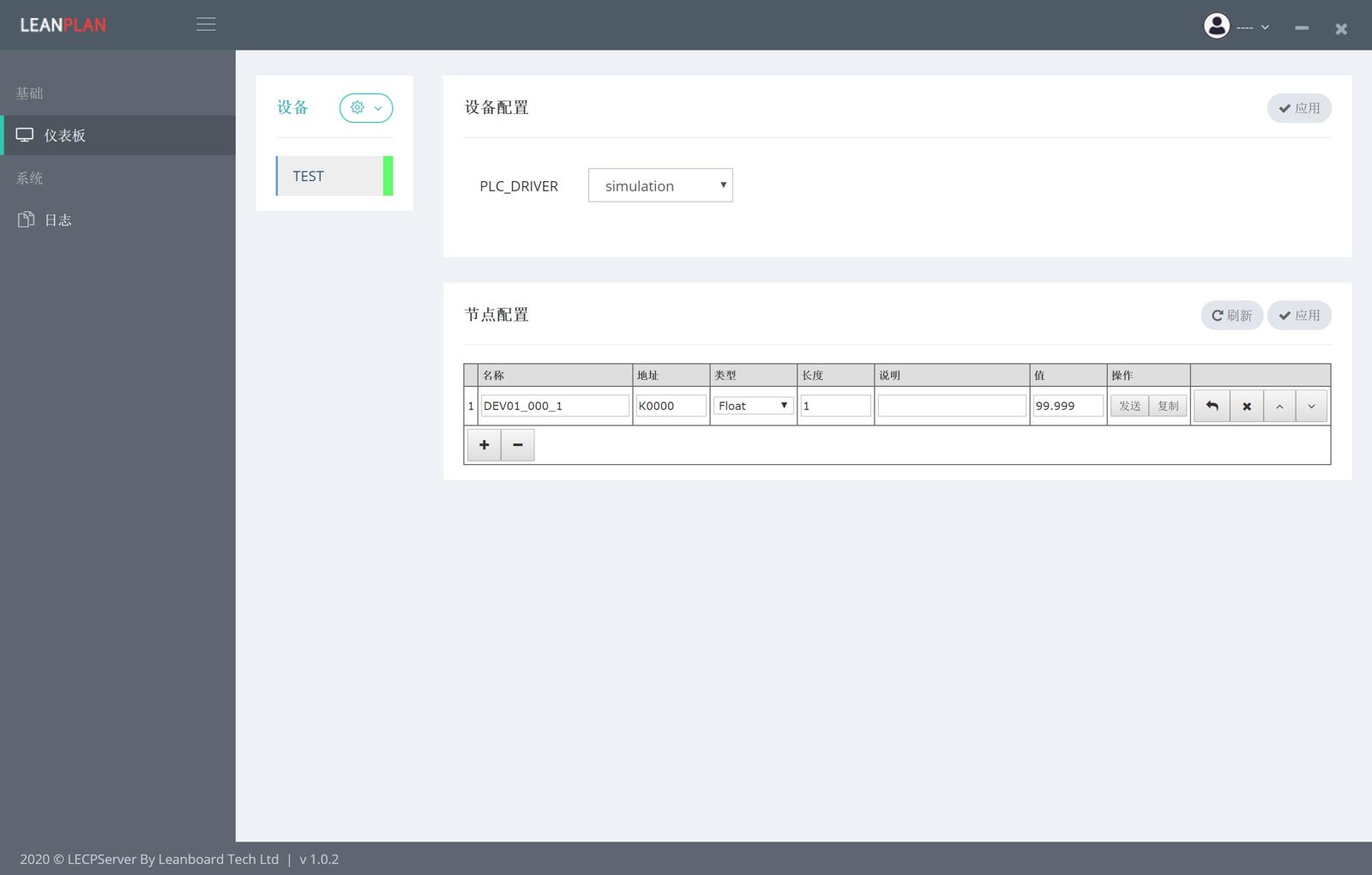
 LECPServer
Installation
LECPServer can run directly without installation
?> First, you need to download the latest LECPServer execution package from here http://www.lecpserver.com/downloads/LECPServer.zip
Decompress the compressed package, LECPServer directory structure is as follows
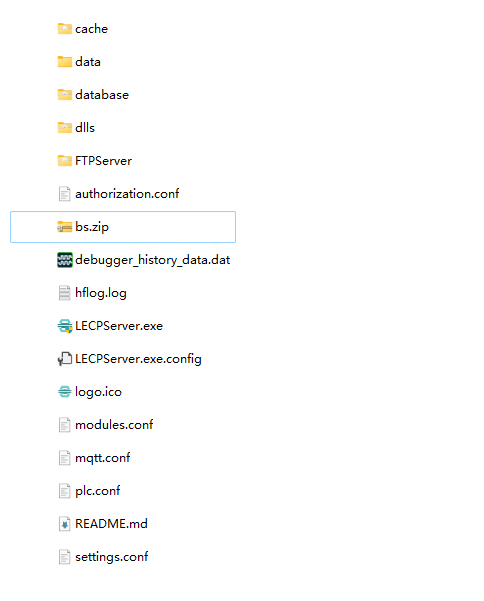
LECPServer                         // LECPServer main folder
    ├── data                       // JLean framework default FTP upload folder
    ├── database                   // JLean framework default database folder
    │   └── sql.db                 // JLean framework default database file
    ├── dlls                       // Common Class Libraries
    ├── FTPServer                  // JLean framework FTP server folder
    ├── runtimes                   // runtime folder
    ├── x64                        // JLean framework x64 runtime library folder
    ├── x86                        // JLean framework x86 runtime library folder
    ├── bs.zip                     // LECPServer main program
    ├── debug.log                  // debug log by Jlean
    ├── hflog.log                  // system log
    ├── LECPServer.exe             // LECPServer running program
    ├── LECPServer.exe.config
    ├── LECPServer.pdb
    ├── authorization.conf         // authorization file
    ├── debugger_history_data.dat  // History file for debugging commands
    ├── README.md
    ├── setting.conf               // Other configuration in the application, such as display mode
    ├── modules.conf               // PLC interface template file
    └── plc.conf                   // PLC configuration file
The folder structure is quite simple, copy the entire folder to the directory you need to use, and double-click LECPServer.exe to run LECPServer
?> That LECPServer requires the highest running privileges. If the "User Account Control" confirmation dialog box pops up, please click OK