 LECPServer
System Debug and Performance
HTTP debugging tool
After the v1.0.9 version, LECPServer provides an HTTP debugging tool, which allows you to easily debug the reading and writing of LECPServer; of course, you can use third-party tools to achieve the same effect.
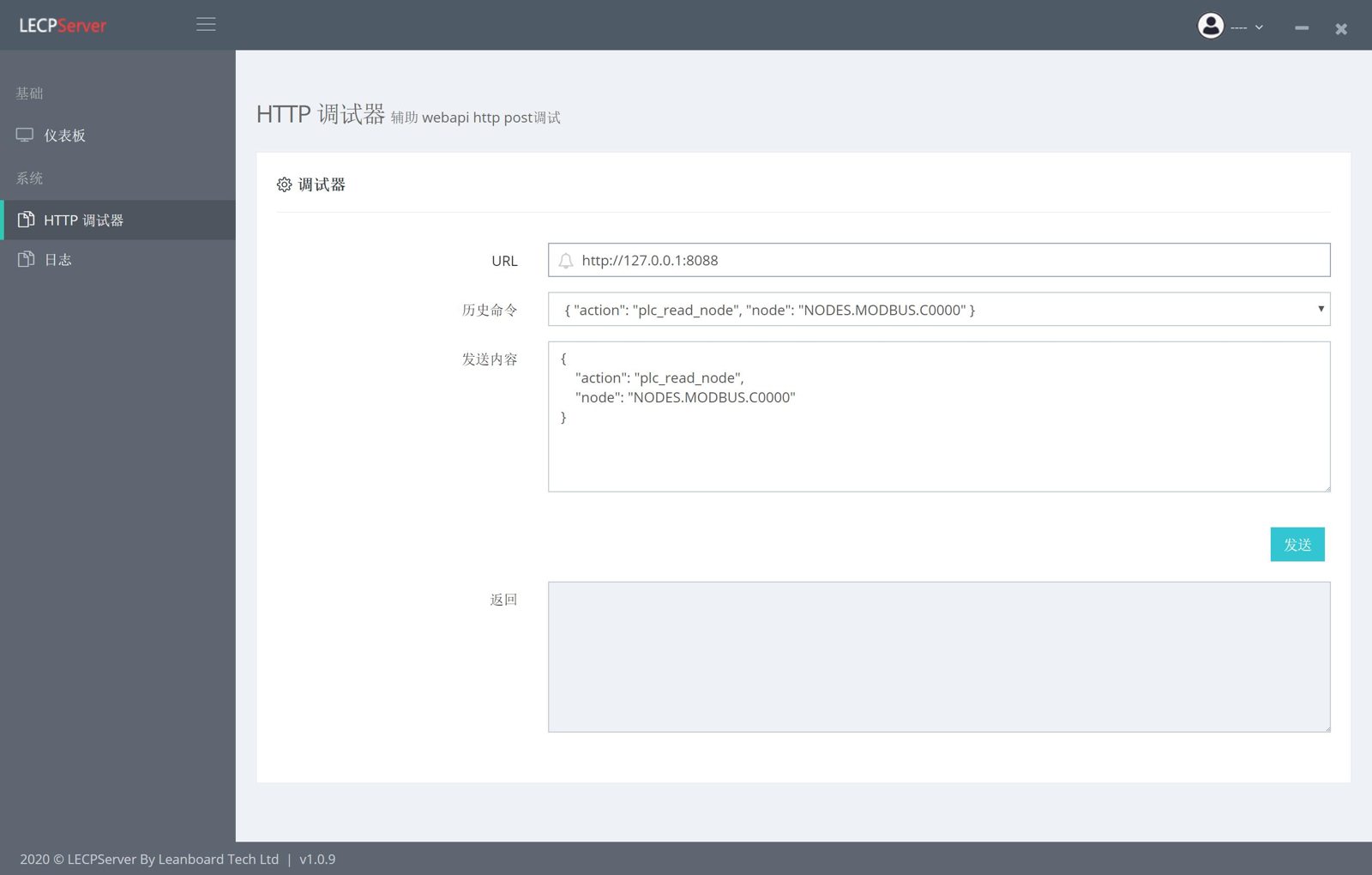
Click HTTP Debugger on the left menu of LECPServer to open the HTTP debugging tool.
URL: Is the address of the server, the default is http://127.0.0.1:8088History command: When the command is successfully sent, the command will be saved in the history record. When you need to call it next time, you can browse the history command and select it.Send: Send API commandsReturn: Response of LECPServer
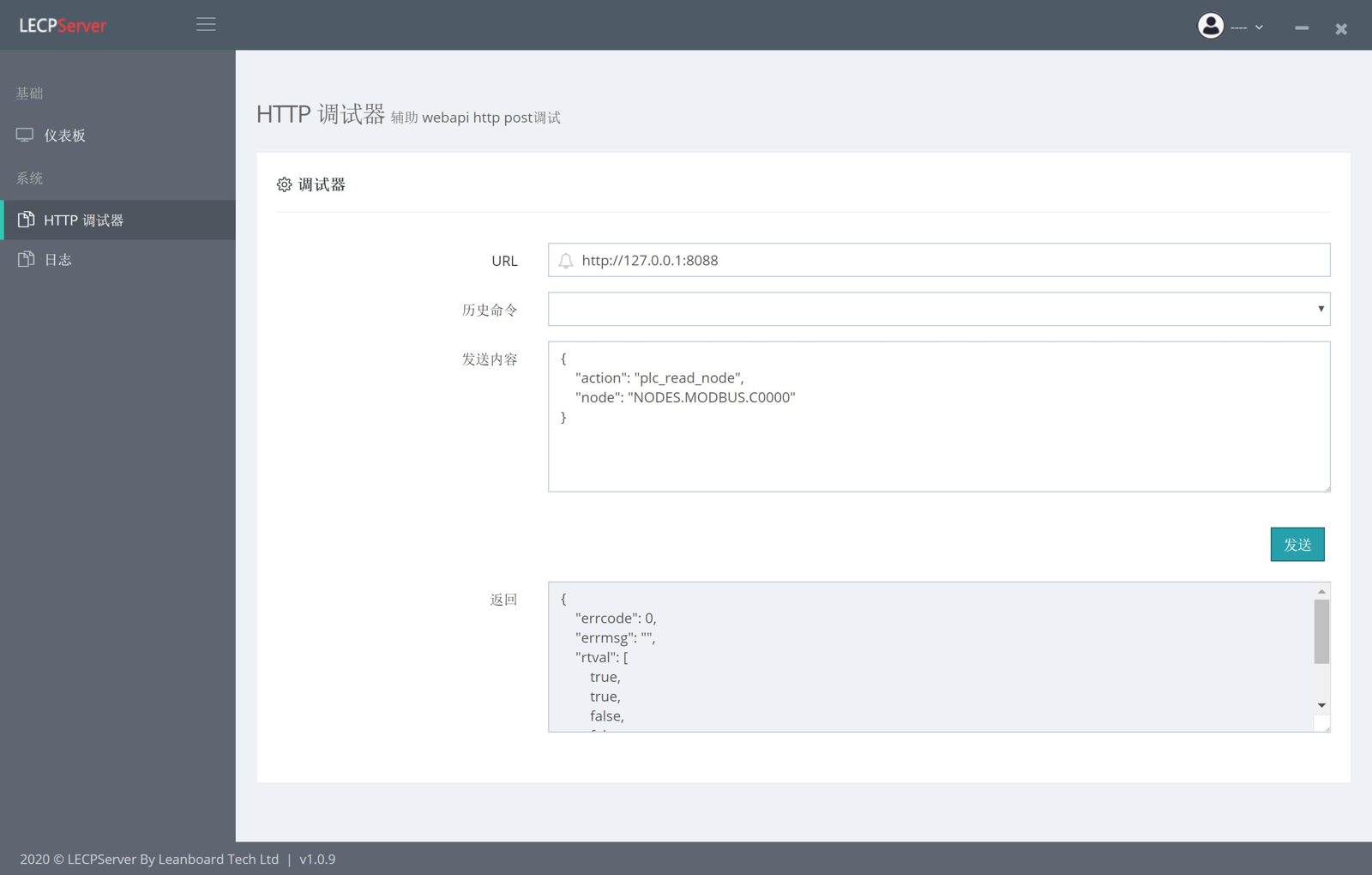
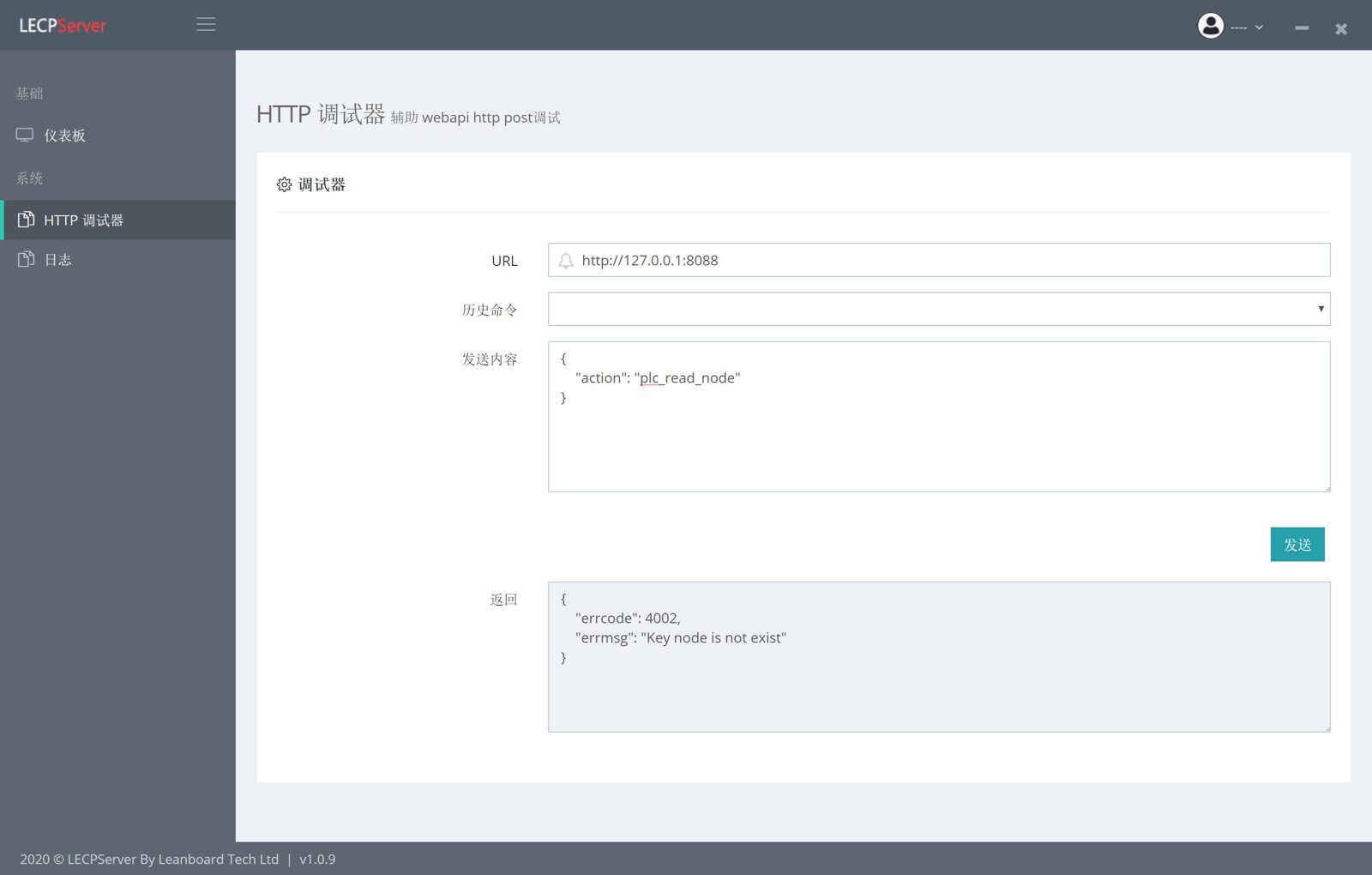
The following figure shows the normal return result and the abnormal return result respectively
Performance of the LECPServer HTTP service
Test Equipment
- CPU INTEL Core I7-1065G7 1.30Ghz processor
- 16GB DDR4 RAM
- SSD M2 disk
- Windows10 Professional 1909 64bit Operating System
- Schneider TM200CE24R PLC
Testing method
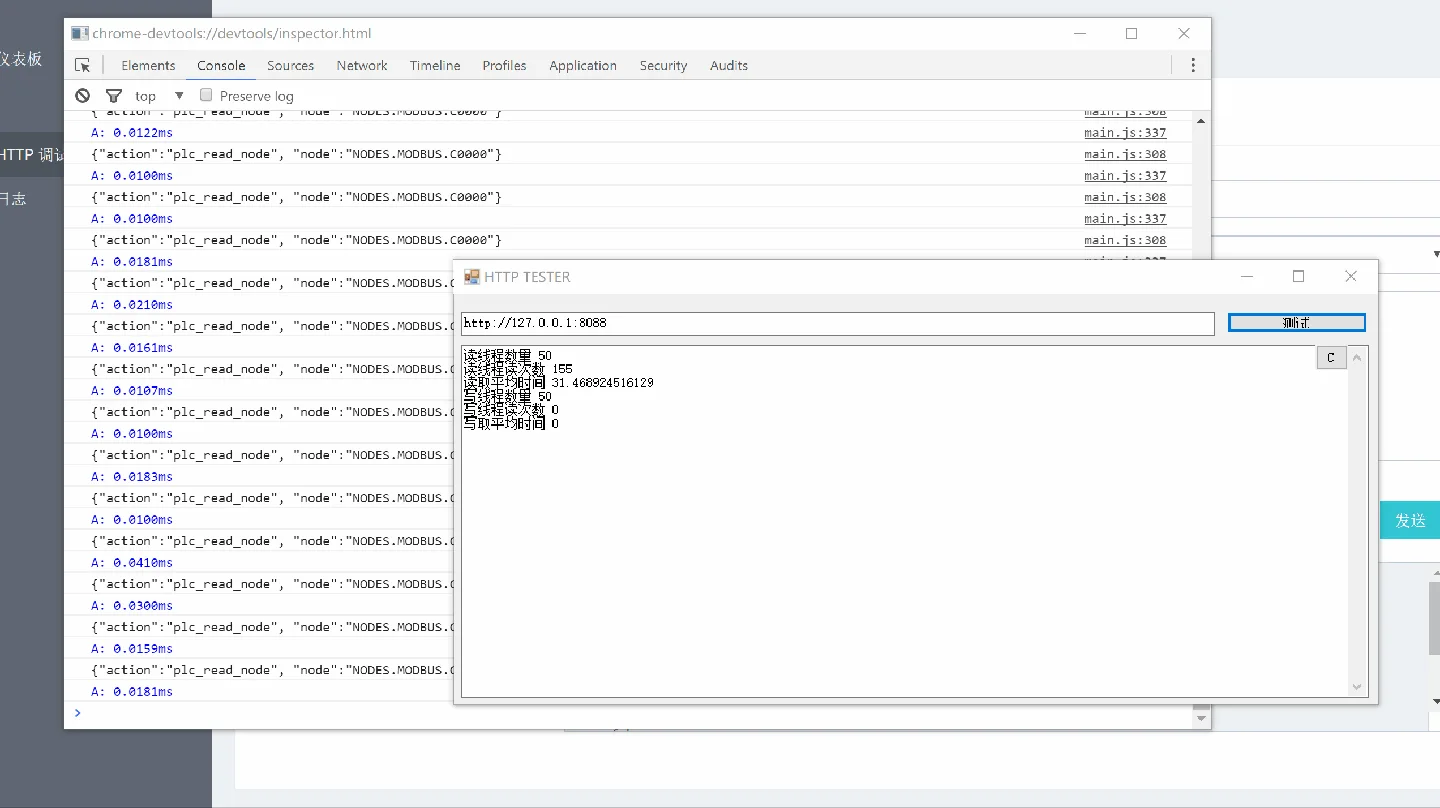
- Set a BOOL point C0000 and a WORD point H0000 for the PLC, open 50 read threads and 50 write threads, run the plc_read_node and plc_write_node commands, and test the response speed of the two commands
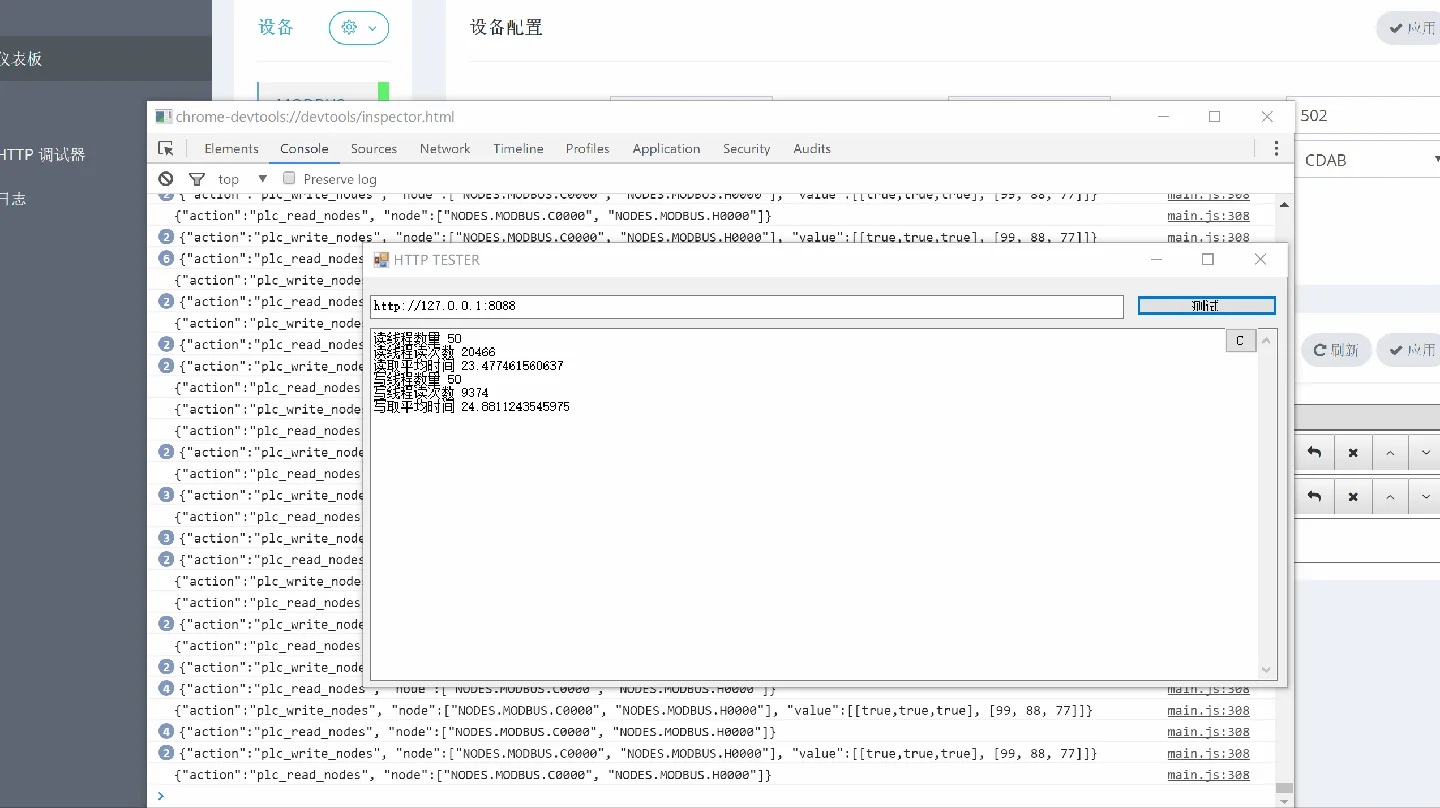
- Set a BOOL point C0000 and a WORD point H0000 for the PLC, open 50 read threads and 50 write threads, run the plc_read_nodes and plc_write_nodes commands, and test the response speed of the two commands
?> Conclusion, the first set of test results, 50 read threads and 50 write threads, the read and write return time for a single thread is 10ms-13ms, the second set of test results, 50 read threads and 50 write threads, for a single read Write return time is 20ms-24ms
 ·
·  ·
· 
