 LECPServer
MQTT service and publishing
On this page
After LECPServer version 1.1.07Beta, it already supports MQTT services and publishes nodes configured by LECPServer through MQTT client. LECPServer version 1.1.07Beta requires JLean 2.3.6.45 or above to support it.
LECPServer provides two MQTT support:
MQTT Broker (MQTT server), which can be enabled or disabled by configuring the mqtt.conf fileMQTT Client (MQTT client), through page configuration, node data can be published by LECPServer, and subscribers can receive the latest node data
How to configure MQTT Broker
Configuring MQTT Broker is very simple, just open the mqtt.conf file
	"MQTTSERVER": {
		"PORT": 1883,
		"START": false
	}
For the configuration of MQTT Broker, PORT is the port number that the Broker needs to use. If START is true, the Broker will be running, otherwise, the Broker will not be run.
Users can use the Broker that comes with LECPServer, or use a third-party Broker to publish information
How to configure MQTT Client
A new MQTT client configuration page has been added to LECPServer after version 1.1.07 BETA
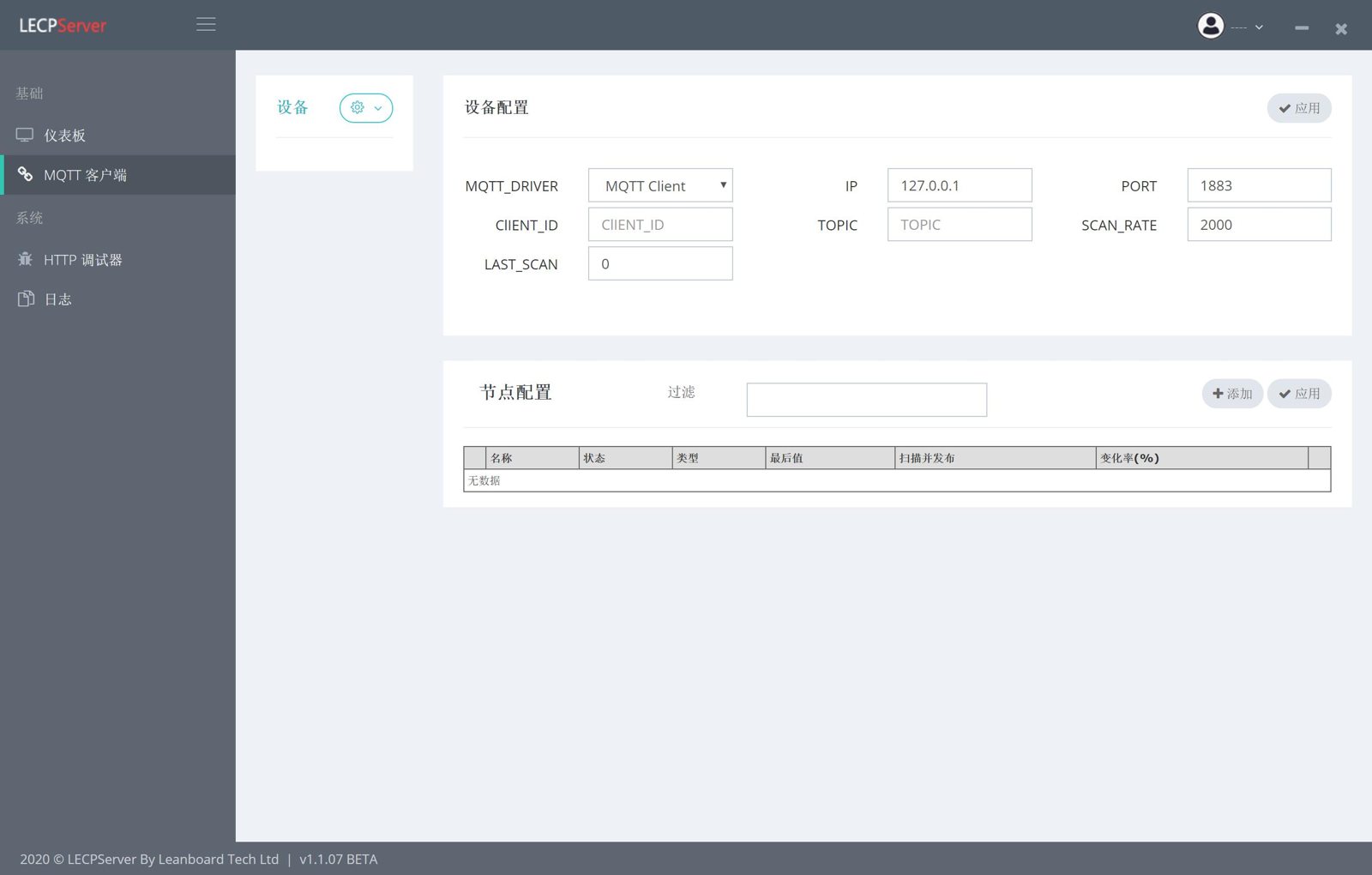
Click on the configuration page, and we can configure MQTT published.
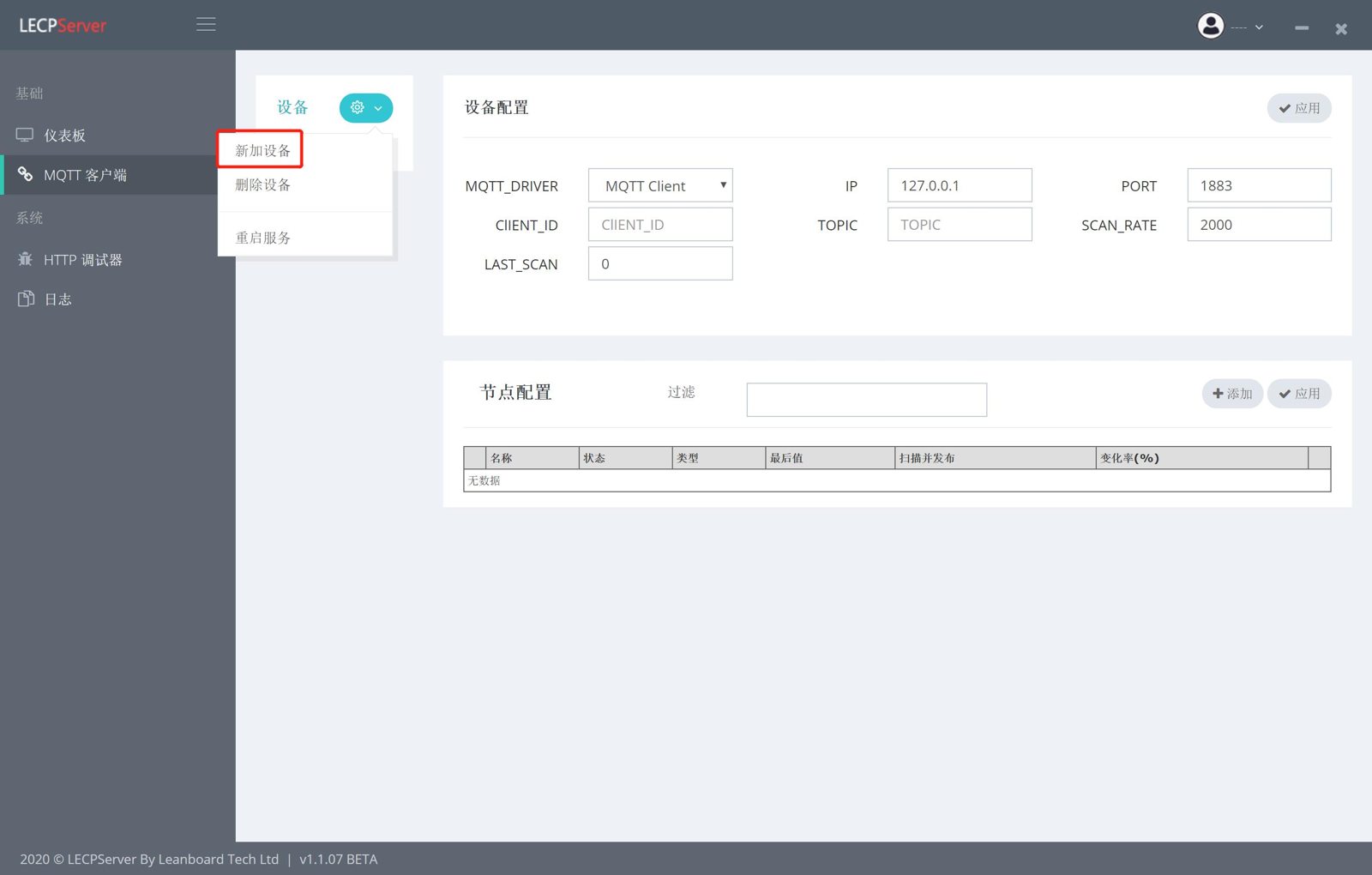
- Click the
"Device"option, the"Add Device"option to add a new MQTT device - Fill in the
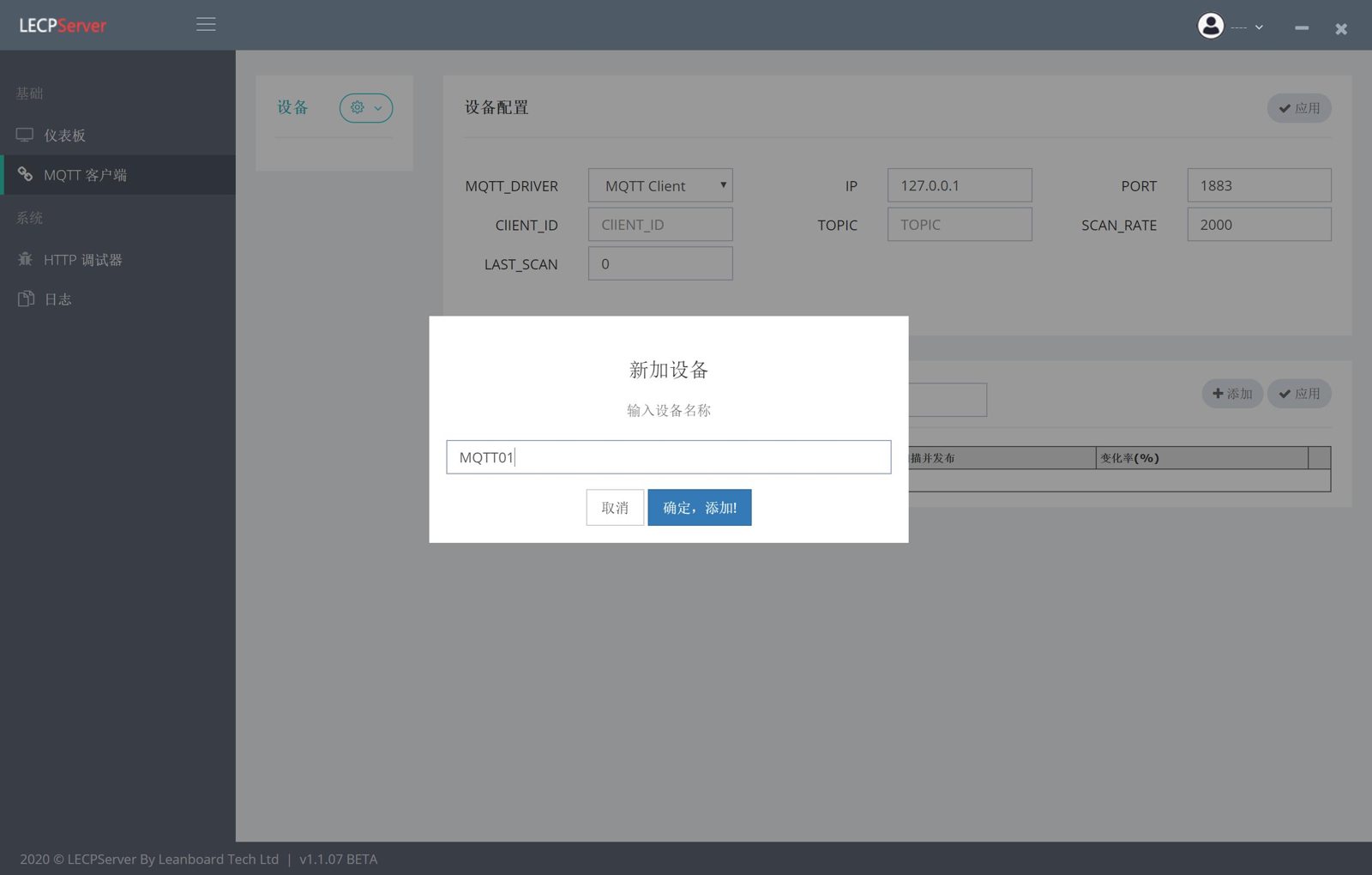
nameof the MQTT client. The name of MQTT client cannot be repeated - Click
"Confirm, Add", the new device is added. - Configure the MQTT client, Now input the Broker's
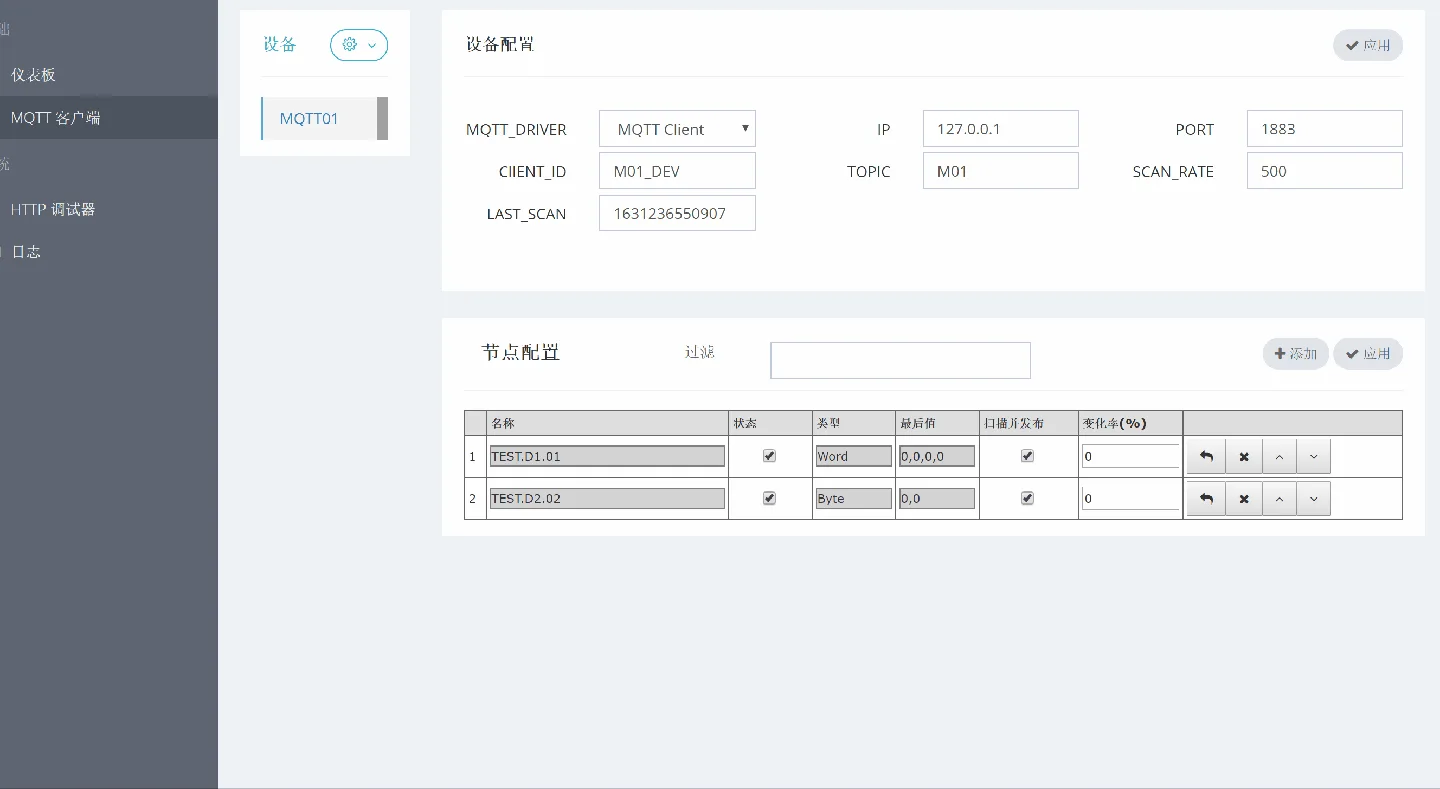
IPaddress andPORT,Client_IDis the client ID (optional),TOPICis the topic name to be published, other clients can subscribe data through this topic. SCAN_RATE, is the inspection node time, the unit is ms, the default is1000ms, each inspection, triggers the release of device node data- After configuring, click the
"Apply"button to connect to the Broker
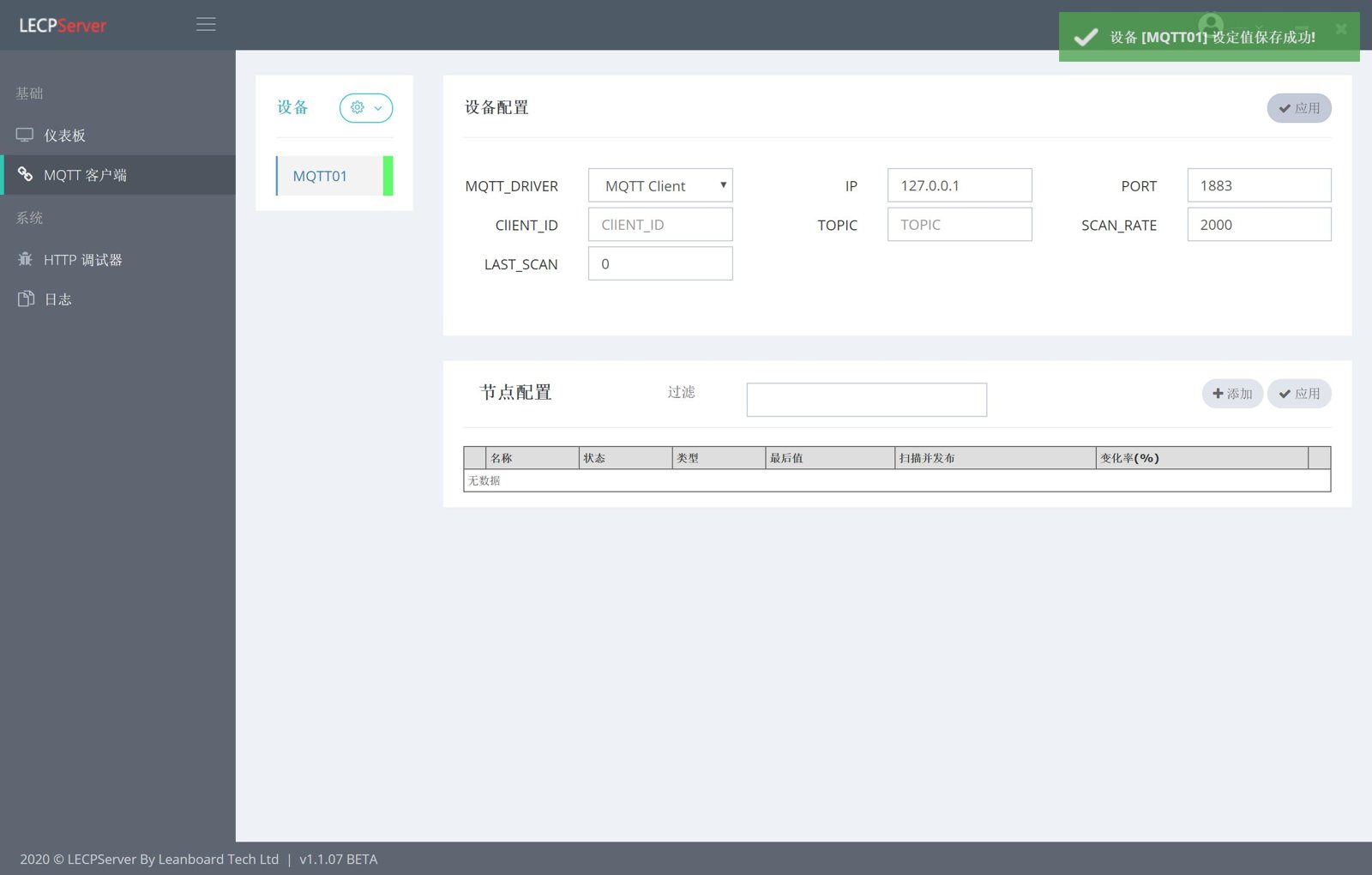
How to configure MQTT Client nodes
Next, we can configure the node to let the MQTT Client realize information publishing
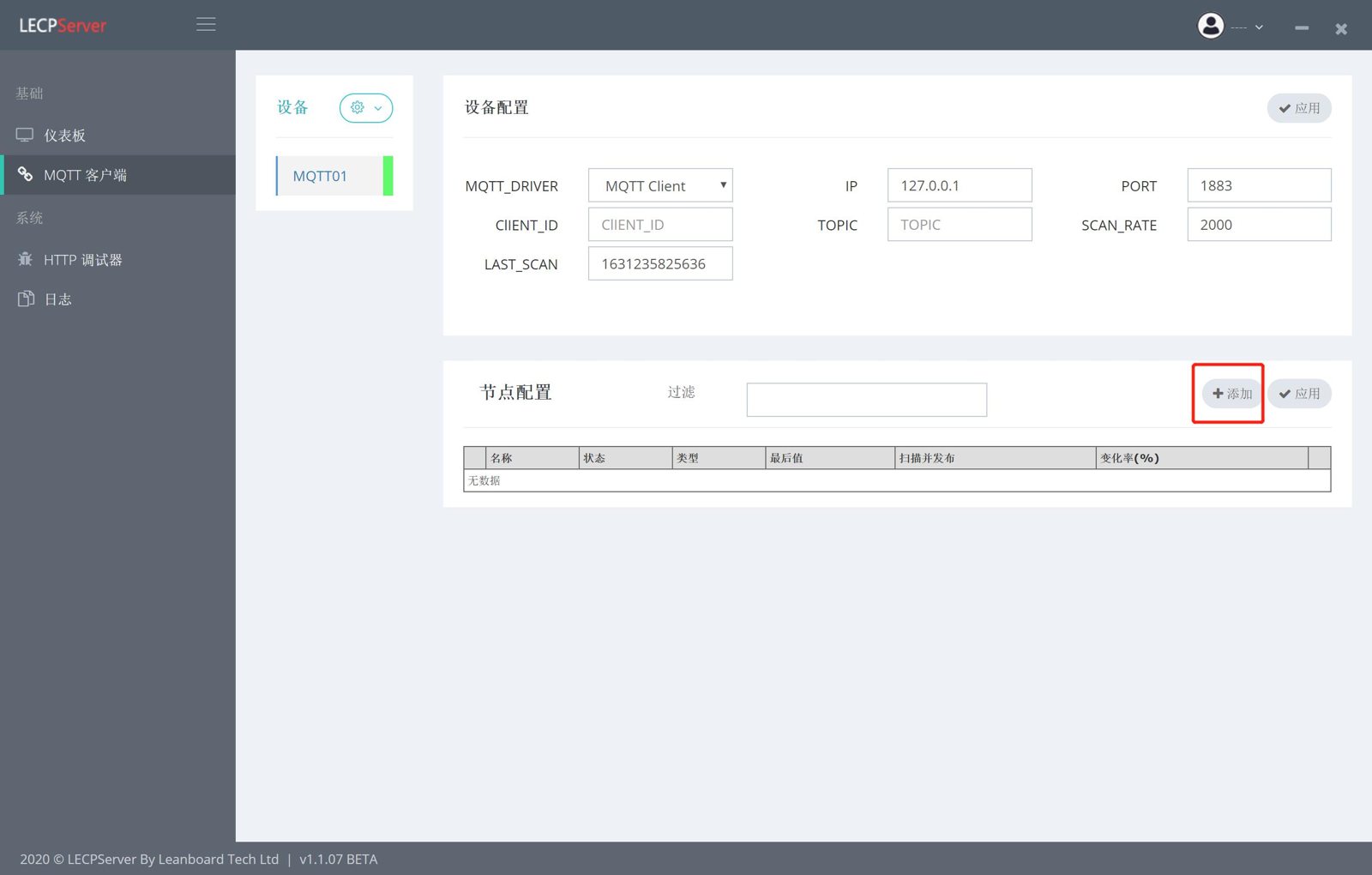
- Click the
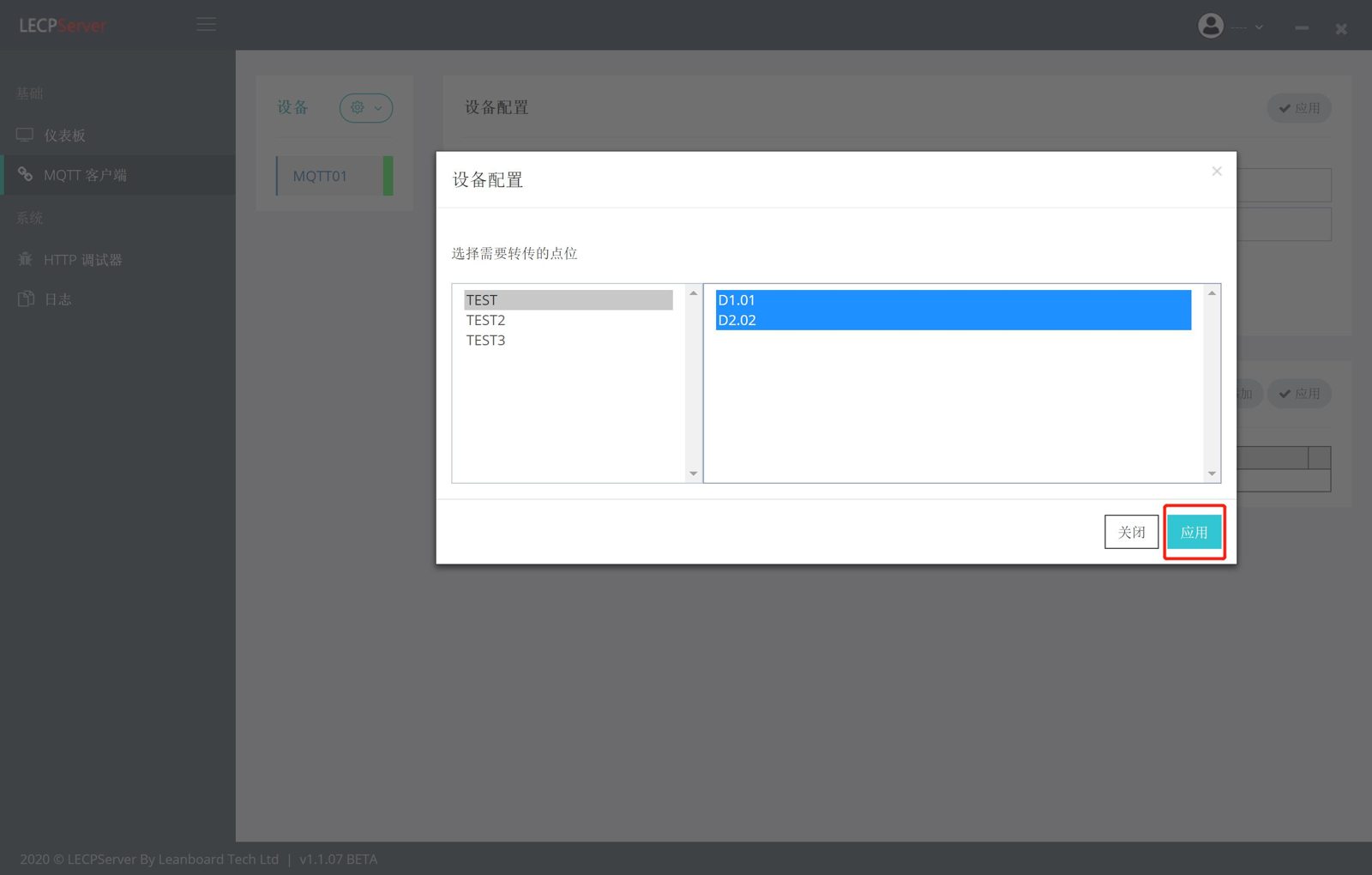
"Add"button in the node configuration - Select the node to be added, and click
"Apply"after the selection is complete. - The nodes data will be published to the Broker at each inspection interval.
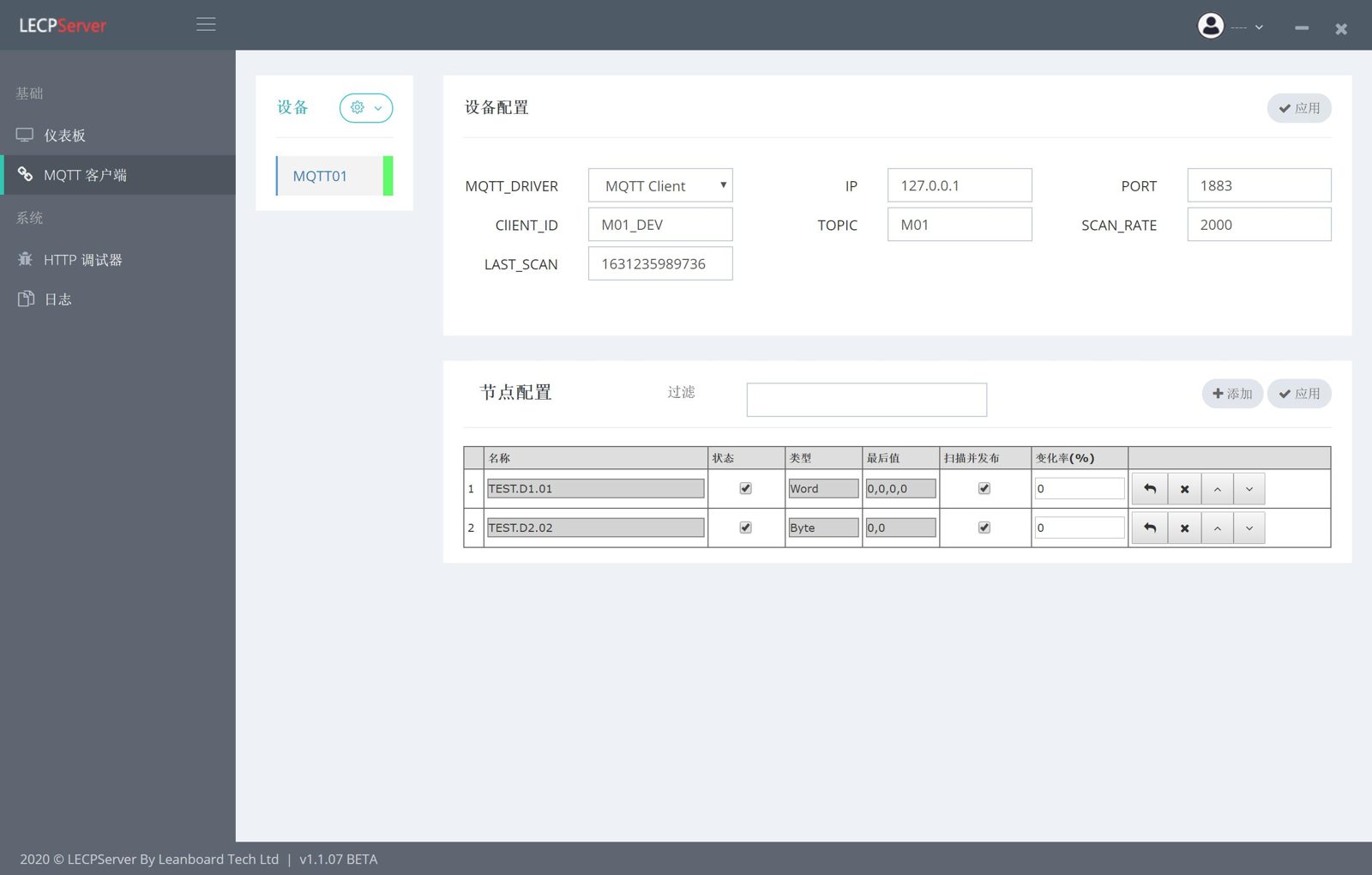
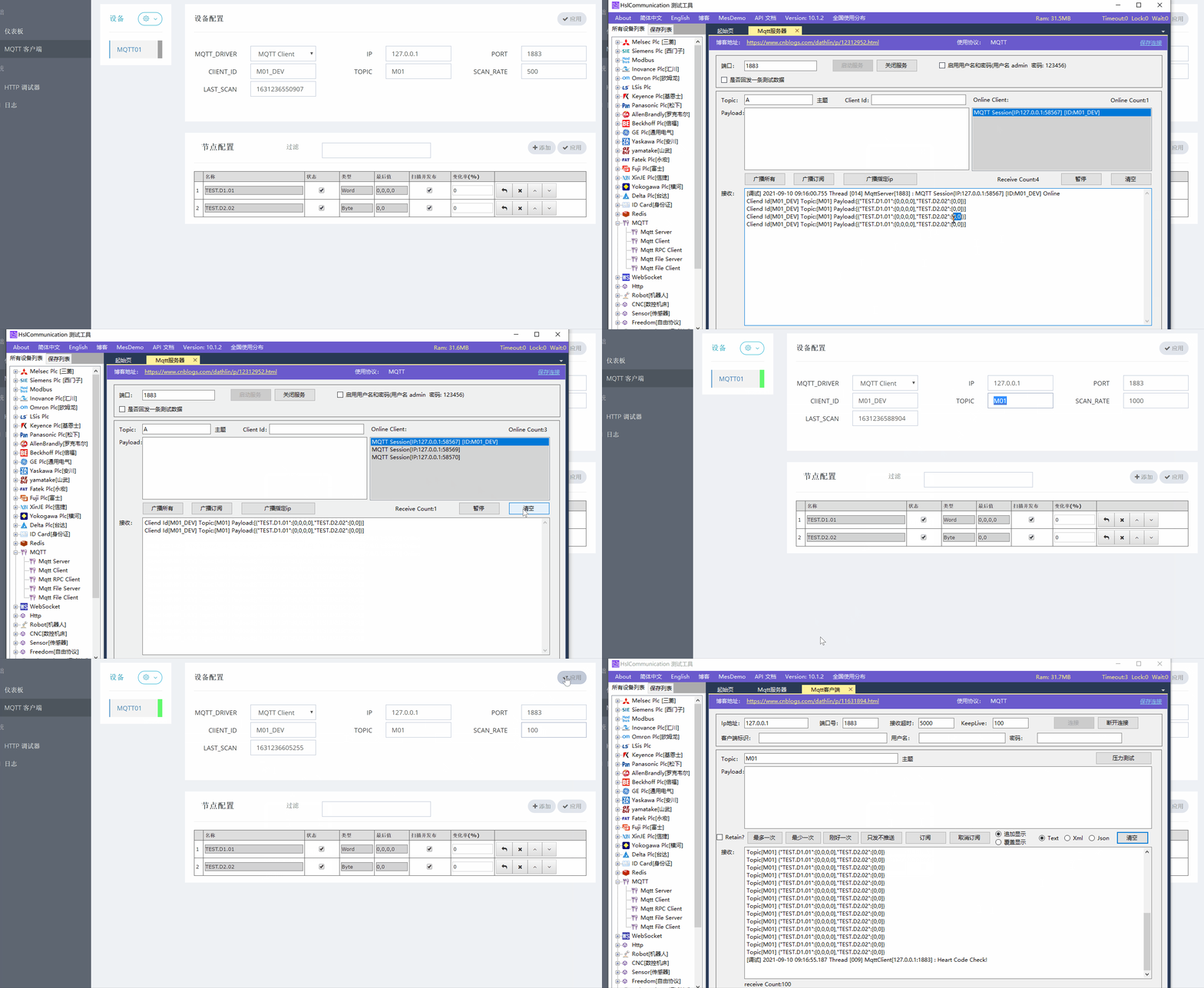
The following figure is a demonstration of simulating the effect of MQTT publishing through
HSL
 ·
·